Databases
Supported databases
The thirteen databases mxds connects to, how each one signs in, and what each one cannot do yet.
mxds connects to thirteen databases. The drivers are built into the app, so there is no ODBC or JDBC driver to set up. How to add a connection is in Connecting a database.
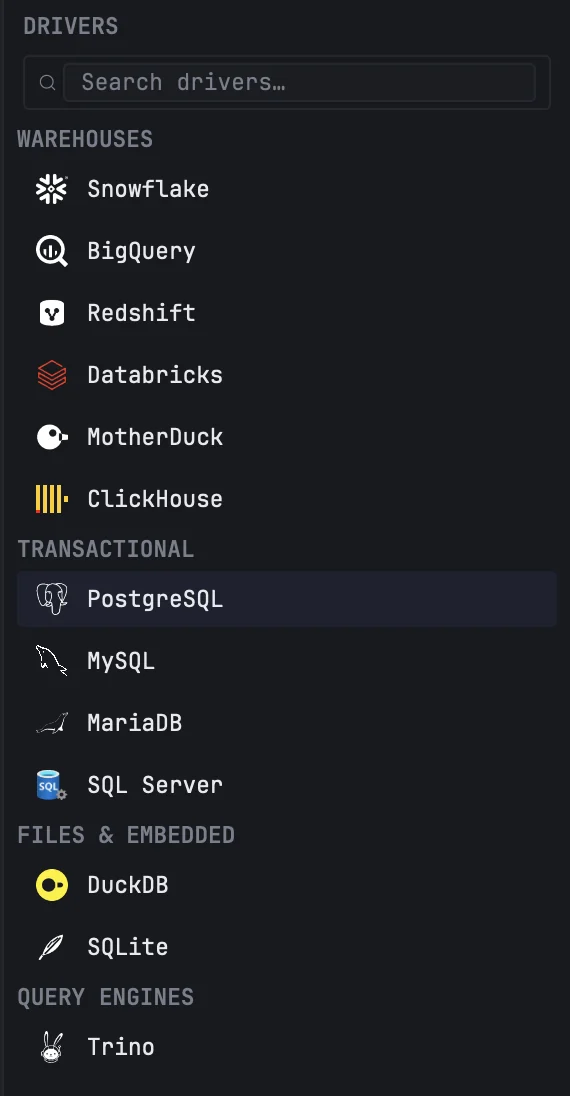
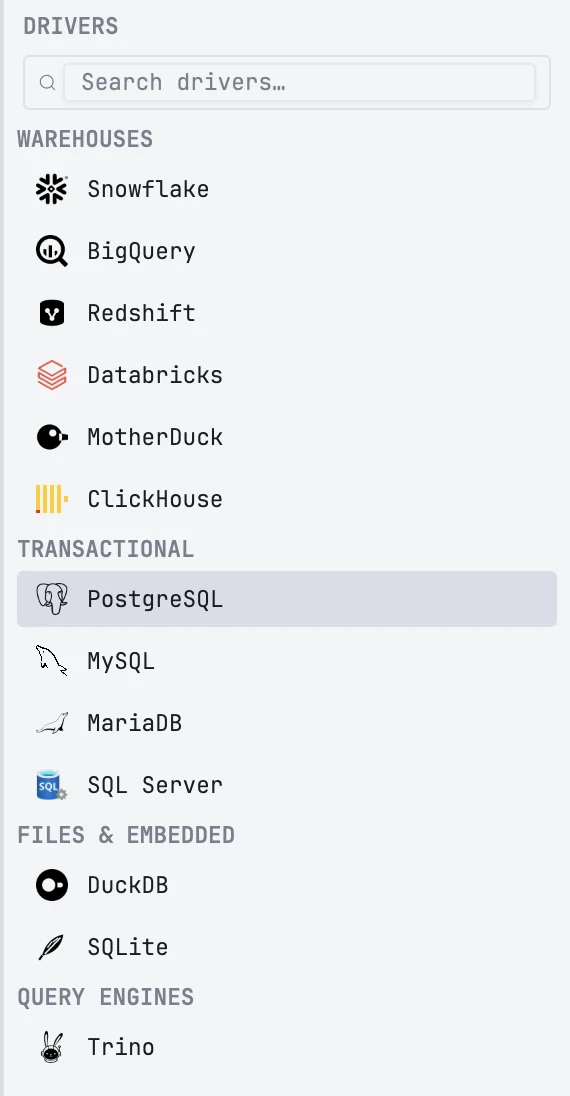
At a glance
| Database | Signs in with | SSH tunnel |
|---|---|---|
| DuckDB | a local file | — |
| MotherDuck | personal token | — |
| SQLite | a local file | — |
| PostgreSQL | username and password | yes |
| Amazon Redshift | username and password | yes |
| MySQL | username and password | yes |
| MariaDB | username and password | yes |
| SQL Server | SQL Server login | yes |
| ClickHouse | username and password | yes |
| BigQuery | service-account key file | — |
| Snowflake | username and password, or a key pair | — |
| Databricks | personal access token | — |
| Trino | username, with a password or JWT when the server needs one | yes |
Stop interrupts the query on the server for most engines. SQL Server and Snowflake are the exceptions, described below.
DuckDB, SQLite, PostgreSQL, Redshift and BigQuery have been in mxds the longest. MySQL, MariaDB, SQL Server, ClickHouse, Snowflake, Databricks and Trino were added later.
DuckDB and MotherDuck
A DuckDB connection is a .duckdb file on your Mac. With Allow writes off, the file is opened read-only, and other programs can keep reading it. A file another program has open for writing cannot be opened at all until that program lets go, read-only or not; that is DuckDB's own lock.
MotherDuck needs the database name and your personal token from the MotherDuck website. The token is kept in the Keychain.
Time zones and collations work offline: DuckDB's ICU extension is built into mxds, so AT TIME ZONE, SET TimeZone, date_trunc on a TIMESTAMPTZ and COLLATE download nothing on first use.
The built-in mxds database is a DuckDB too, kept in memory. See Connecting a database.
SQLite
A SQLite connection is a file, with the same Allow writes switch as DuckDB. A column's type is taken from the table's declaration and widened when a row holds something that does not fit, so mixed columns load as text instead of failing.
PostgreSQL and Redshift
Both take host, port, database, username and password; the database is required. Schema is optional: when set, it becomes the session's default schema, so unqualified table names are looked up there first and then in public. The SSL tab sets the SSL mode — disable, prefer, require, verify-ca or verify-full — and takes a root certificate, client certificate and client key in PEM form. Redshift connects the same way, usually on port 5439.
Stop sends PostgreSQL's cancel request. A connection pooler or proxy in front of the database may ignore it; the query then keeps running on the server, and mxds stops reading its rows after two seconds.
MySQL and MariaDB
Host, port, username and password. Leave Database empty to see every database on the server.
The SSL tab sets the SSL mode. The default, Preferred, encrypts when the server offers encryption and falls back to plain when it does not. Required insists on encryption. Neither checks the server's certificate; Verify CA checks that it chains to a trusted authority, and Verify identity also checks that it names the host.
All your queries on one connection share one session, as in the mysql client: a USE db holds for the queries after it, and tabs on the same connection run one after another. If the connection drops, the next query starts again in the connection's own database.
Stop sends KILL QUERY. Behind a proxy such as ProxySQL or RDS Proxy the kill can miss the query.
SQL Server
Host, port, username and password, with a SQL Server login. Leave Database empty to see every database.
A new connection is encrypted and checks the server's certificate: Encrypt is on and Trust server certificate is off on the SSL tab, as in Microsoft's own ODBC Driver 18. For a server with a self-signed certificate — a local SQL Server in Docker, Azure SQL Edge — turn on Trust server certificate; for a server that does not encrypt at all, turn off Encrypt. A connection you saved before keeps the settings it had.
Stop ends the run in mxds at once, but the server finishes the statement: mxds cannot interrupt SQL Server mid-query. A long statement keeps working on the server, and the next query on that connection waits for it.
A column of type sql_variant, hierarchyid, geography or geometry cannot be read. mxds refuses such a query before running it, names the column, and suggests a CAST(… AS NVARCHAR(MAX)) you can write instead.
ClickHouse
mxds talks to ClickHouse over HTTP: port 8123, or 8443 for HTTPS. Paste a URL such as https://host:8443 into Host and mxds picks up the port and HTTPS; ports 443 and 8443 switch HTTPS on by themselves. The SSL tab takes a root certificate and a client certificate and key.
BigQuery
The GCP project id and a service-account key file (.json). The account needs permission to run query jobs in that project.
Location is the region your datasets live in, such as EU. Without one, BigQuery assumes US; when a dataset turns out to be elsewhere, mxds retries the query once in that dataset's region.
Snowflake
Account identifier (such as xy12345.us-east-1) and username, plus optional warehouse, database, schema and role. Authentication is Password or Key pair. A key pair is a private key file in PKCS#8 form (.p8); if the key is encrypted, type its passphrase in Key passphrase, which is kept in the Keychain.
Stop cannot interrupt a running Snowflake statement. mxds waits for it to finish and then discards the result. Results appear all at once, when the whole result has arrived.
Databricks
Workspace host (such as dbc-xxxx.cloud.databricks.com), the SQL warehouse id, an optional catalog and schema, and a personal access token. Results start to appear when the statement has finished; a large result, which Databricks sends in parts, then fills in part by part. Stop can take up to five seconds to reach a statement that has just started.
Trino
Host, port (8080 by default), an optional catalog and schema, and a username. Leave Catalog empty to see every catalog.
Authentication is None, Password or JWT. Turn on HTTPS on the SSL tab when the coordinator is served over HTTPS.