Agents
Plan limits and caffeine
The status-bar gauges for your Claude and Codex plan limits, and the switch that keeps your Mac awake while agents work.
Two chips at the left of the status bar are there for the agents in your terminal. The plan gauges show how much of your Claude and Codex limits you have used, so a long task does not stop halfway. Caffeine keeps the Mac from sleeping while the work runs.
Plan limit gauges
Each provider gets its icon and one chip per window:
| Chip | Window |
|---|---|
5h 32% |
the five-hour session limit |
7d 61% |
the weekly limit |
A short bar beside the number fills as you use the window. At 90% the chip turns red. A window the provider does not report is not drawn — Codex currently has only a weekly limit, so it shows only 7d.
Hover the gauges to see when each window resets: in 40 min, in 2h 14m, or a day and time such as Thu 14:30 when it is more than a day away.
Right-click for two items:
- Refresh Now — fetch the numbers again.
- Usage Settings… — open Settings at the AI Usage page.
A left click does nothing, so you cannot trigger a fetch by accident.
Where the numbers come from
- Claude — the account you are signed in to in Claude Code. mxds reads Claude Code's own credentials; when it finds them only in the Keychain, macOS may ask you once to allow access. mxds only reads them: it never writes them or renews an expired sign-in. When the sign-in has expired or Claude refuses it, the Claude gauge is simply not shown; once Claude Code has renewed it, mxds picks it up on a later refresh. If you do not use Claude Code, switch Auth mode to Manual session key and paste the
sessionKeycookie from claude.ai. - Codex — the ChatGPT account you signed in to Codex with.
The numbers are fetched every five minutes by default. When you are not signed in to a provider, or its sign-in has expired or been refused, its chip is not shown at all. When a provider cannot be reached — no network, a rate limit, a server error — its chip shows error; hover it for the reason.
Settings
Settings → AI Usage:
| Setting | Default |
|---|---|
| Show Claude usage in status bar | on |
| Auth mode (Claude): Auto-detect (CLI) or Manual session key | Auto-detect |
| Show Codex usage in status bar | on |
| Refresh interval, in seconds (30 to 3600) | 300 |
| Show 5-hour window | on |
| Show 7-day window | on |
| Show progress bar | on |
| Compact mode — bars only, no numbers | off |
| Notify at 95% | off |
With Notify at 95% on, mxds sends a macOS notification when a window crosses 95%, for example Claude usage at 96% — 5-hour window at 96%, resets in 1h 20m. It notifies once per crossing, and again only after the window has dropped below 95%.
Caffeine
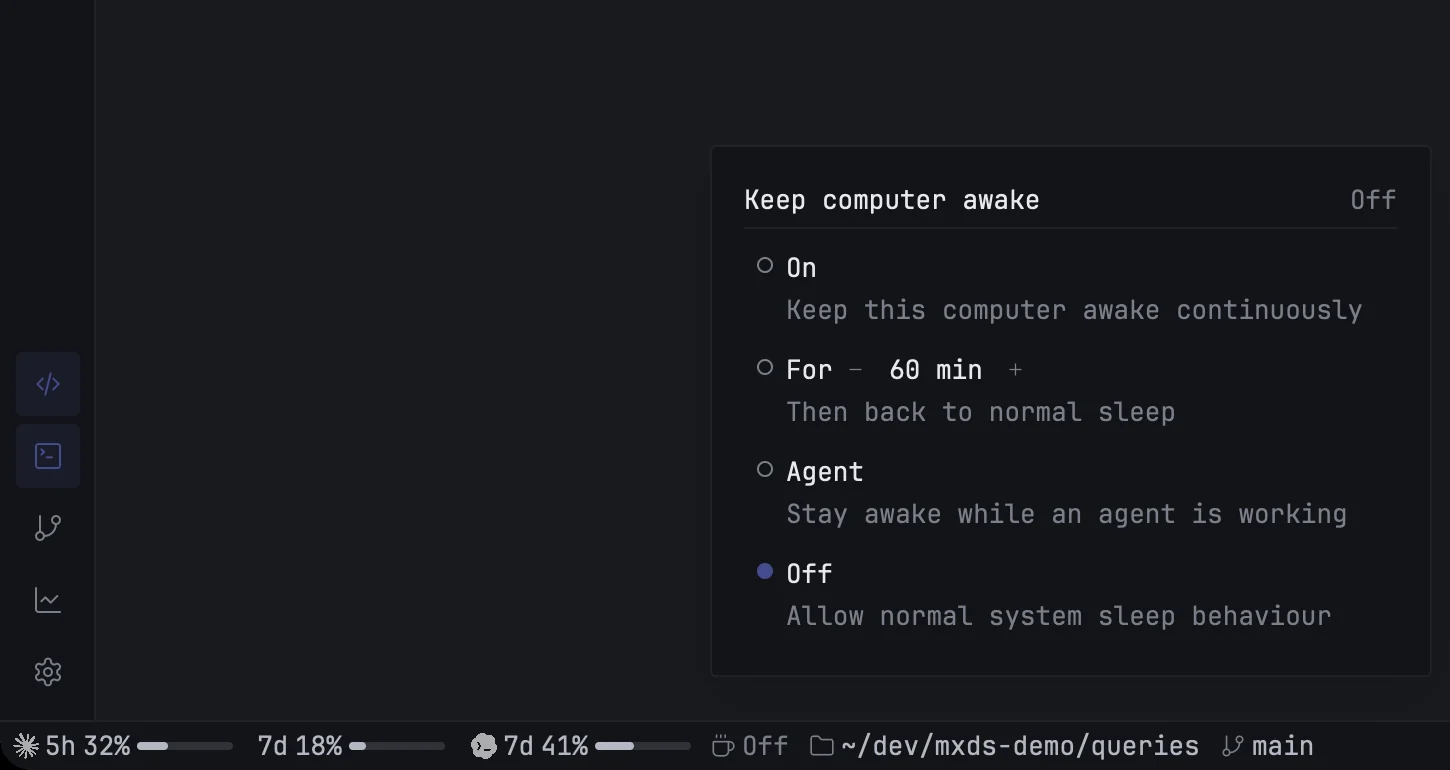
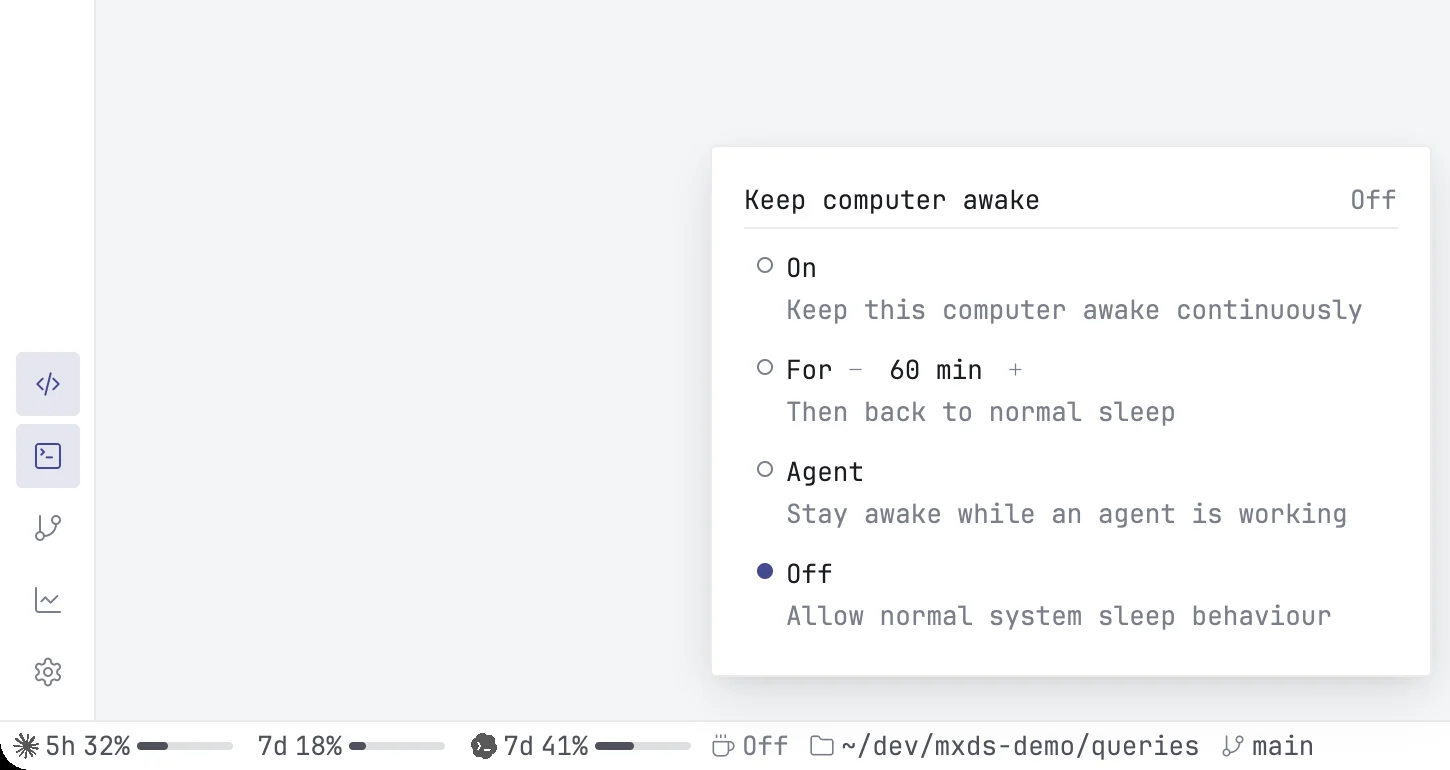
The coffee cup chip keeps your Mac awake. Click it to choose a mode:
| Mode | What it does | Chip shows |
|---|---|---|
| On | keeps the Mac awake until you turn it off | On |
| For − 60 min + | keeps it awake for a set time, then back to normal sleep | the time left, such as 58m |
| Agent | keeps it awake while an agent in the terminal is working | Agent |
| Off | normal sleep | Off |
The timed mode goes from 15 minutes to 4 hours in 15-minute steps. Pressing − or + while it runs restarts the countdown from the new value.
In Agent mode the Mac stays awake only while at least one agent is working; when the last one goes idle, normal sleep applies again. The header of the popover says Active while the Mac is being held awake and Idle while it is not.
While the Mac is held awake, the screen stays on too.
Caffeine stops when you quit mxds, and also if mxds crashes, so the Mac is never left awake by accident. Agent mode is remembered between launches; On and the timed mode are not.