Git
Pull requests
Read and review the repository's GitHub pull requests and GitLab merge requests in the git view, through your own gh and glab.
The git view (⌘G) has a screen for the repository's pull requests on GitHub, or its merge requests on GitLab. You can read a request's diff and comments there, then approve, comment, merge or check it out. Open it with the pull-request button in the header, or Git Pull Requests in the command palette.
What you need
mxds does not sign in to GitHub or GitLab and stores no token. Every request goes through the command-line tools you already use, with your own login:
| Host | Install | Sign in |
|---|---|---|
| GitHub, including GitHub Enterprise | brew install gh |
gh auth login |
| GitLab, including self-hosted | brew install glab |
glab auth login |
mxds reads the host from the repository's origin remote. github.com and gitlab.com are recognised by name; any other host is used when gh or glab lists it as signed in. When something is missing, the screen says what in one line: no GitHub or GitLab remote, a host neither tool knows, a tool that is not installed, or a host you are not signed in to. After fixing it, press Refresh.
The list
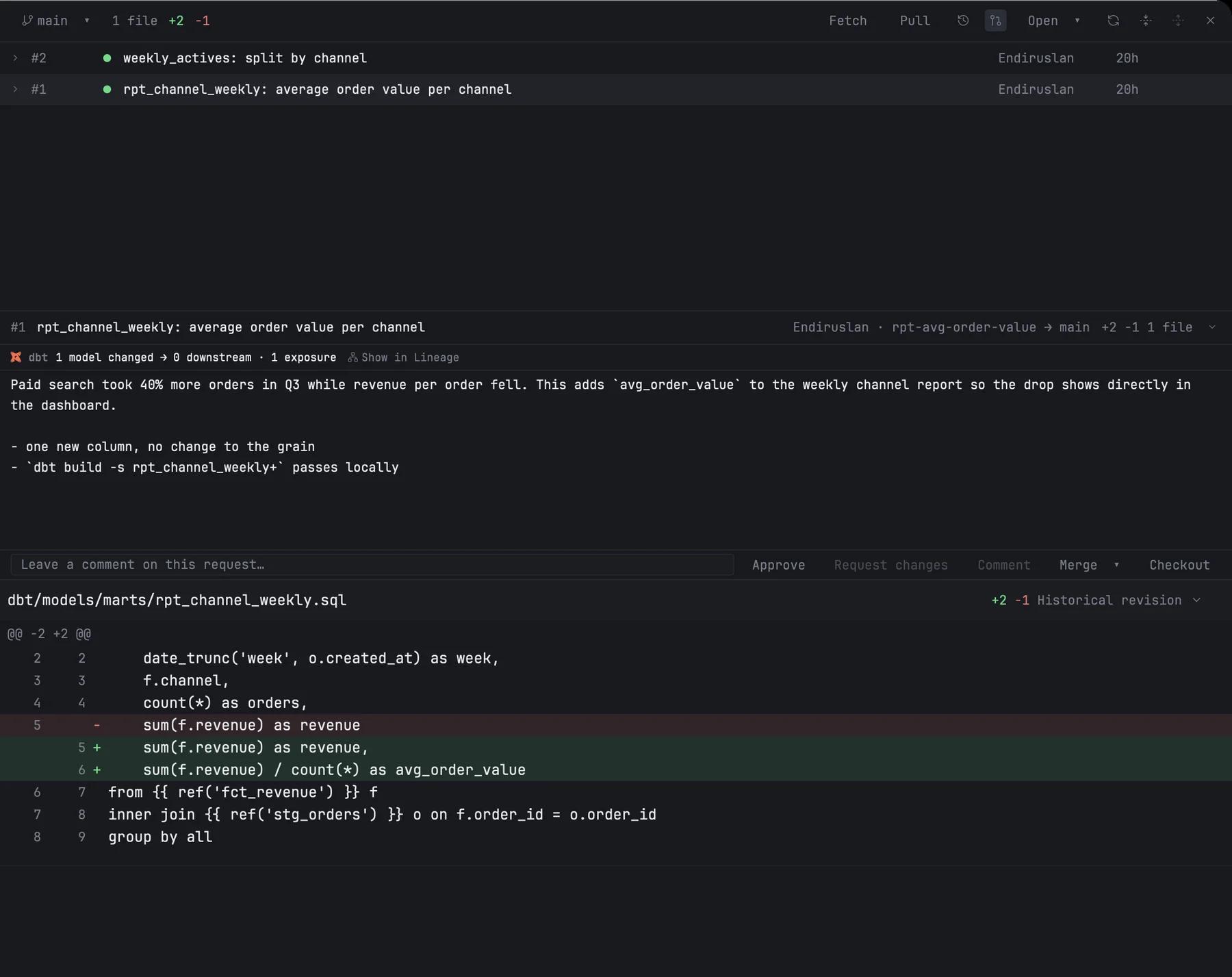
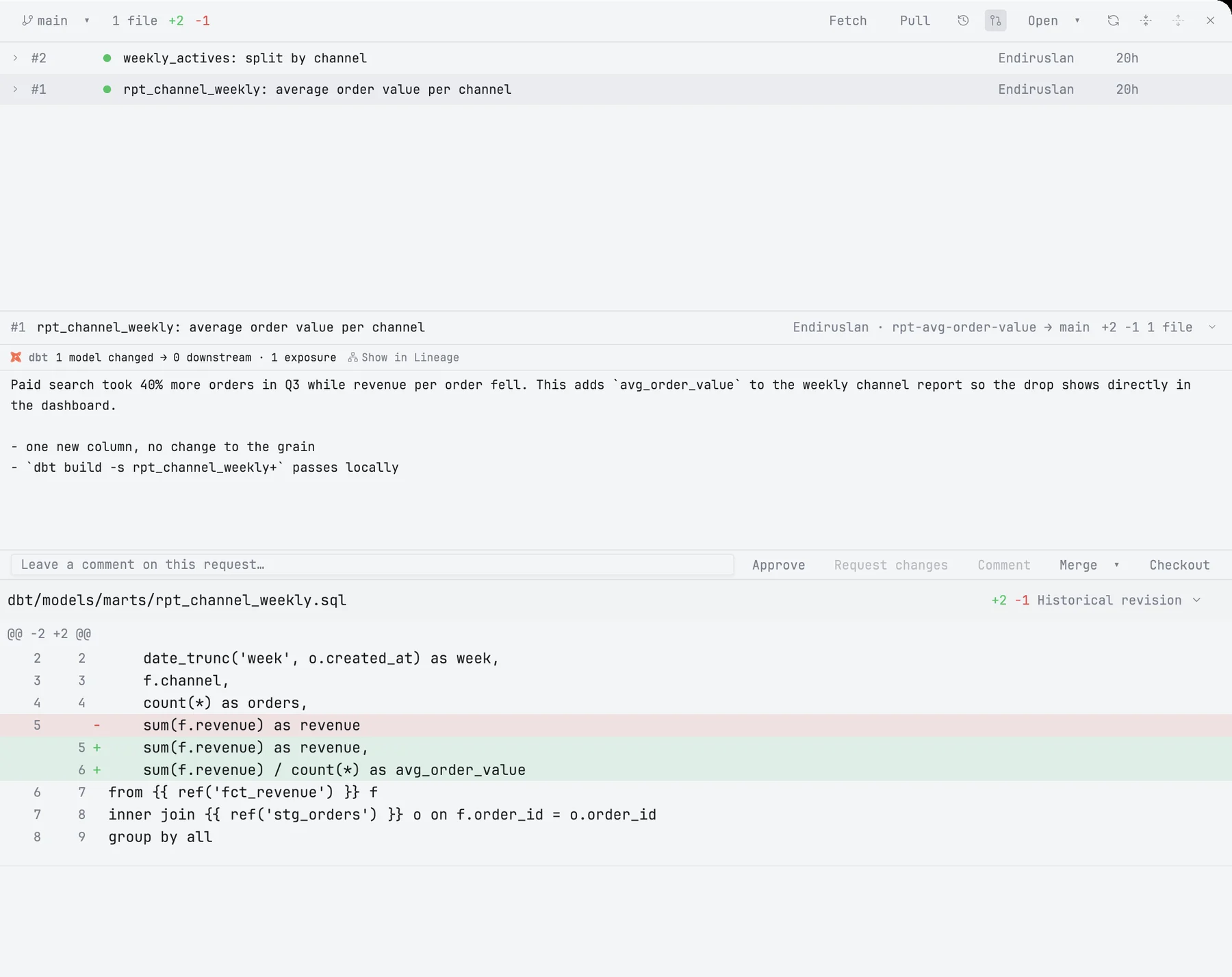
Each row shows the request's number as its host writes it (#142 on GitHub, !142 on GitLab), its state, title, author and age, and marks drafts. The menu beside the pull-request button filters by Open, Merged, Closed or All; the screen always opens on Open. More requests load as you scroll.
The list is read when the screen opens and when you press Refresh. Nothing polls in the background.
Reading a request
Click a request to see the diff of the whole request below the list, in the same cards as your own changes. mxds compares the request with the point where it branched off its base, so changes that landed on the base since then do not show up as deletions. Click the arrow on a row to list its commits, and click a commit to see only that commit. Click the request again to go back to the whole diff.
mxds fetches the request's commits into a place of its own in the repository. Your branches are not touched.
Comments on lines are shown on the lines they belong to. Comments on code that has since changed are collected under the file's header, behind an outdated comments button. You can read line comments, not write them.
The review band
Between the list and the diff, a band sums up the selected request:
- The first row — number, title, author, which branch merges into which, the review verdict (approved, changes requested, review required), the CI result and the size of the change. A fact the host does not report is left out rather than guessed.
- Description and comments — the request's description and the comments on it, in a short area that scrolls. The arrow folds it away.
- The actions — a comment field and five buttons.
When a dbt project is open and the request changes its models, the band also counts the changed models, what reads from them downstream, and affected exposures. These are counted on the project in your working copy, not on the request's version. Show in Lineage opens that impact on the Lineage tab.
Actions
| Button | Does |
|---|---|
| Approve | approves the request; anything typed in the field is sent with it |
| Request changes | asks for changes; needs text in the field |
| Comment | comments on the request; needs text in the field |
| Merge ▾ | merges with the method you pick: Merge commit, Squash and merge or Rebase and merge |
| Checkout | checks the request out as a local branch and switches to it |
Merge and Checkout ask first and show the exact command they will run. A merge is pinned to the head commit you are looking at: if someone pushed since, the host refuses instead of merging code you have not seen. On GitLab a merge always happens now, never "when the pipeline passes".
Checkout is refused while you have uncommitted changes, untracked files included. After it, the git view returns to your changes, which are now the request's.
On GitLab, Request changes posts your comment and withdraws your approval, because glab has no other way to request changes.
After every action mxds reads the request again from the host, so the row and the band show what the host answered. If an action fails, the tool's own message is shown under the buttons and nothing else changes, including the text you typed.