Agents
Recall: RAG inside your IDE
A knowledge base for each project that your agents fill as they work and search before they touch your data.
Recall is retrieval-augmented generation built into mxds. Your agent saves what it learns about a project — findings, conventions, the things that went wrong — and searches those notes the next time it works there, weeks or months later. Everything stays on your Mac.
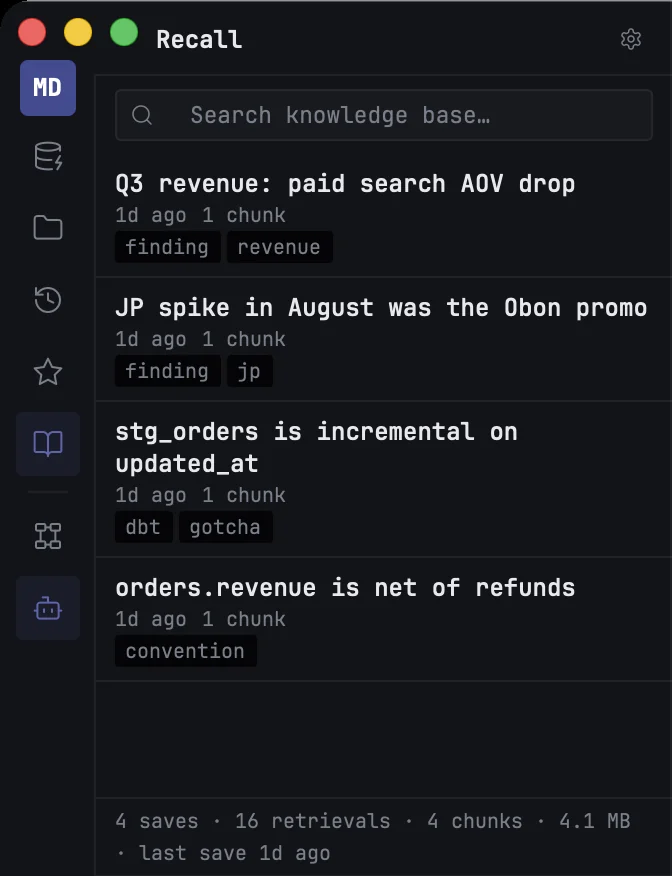
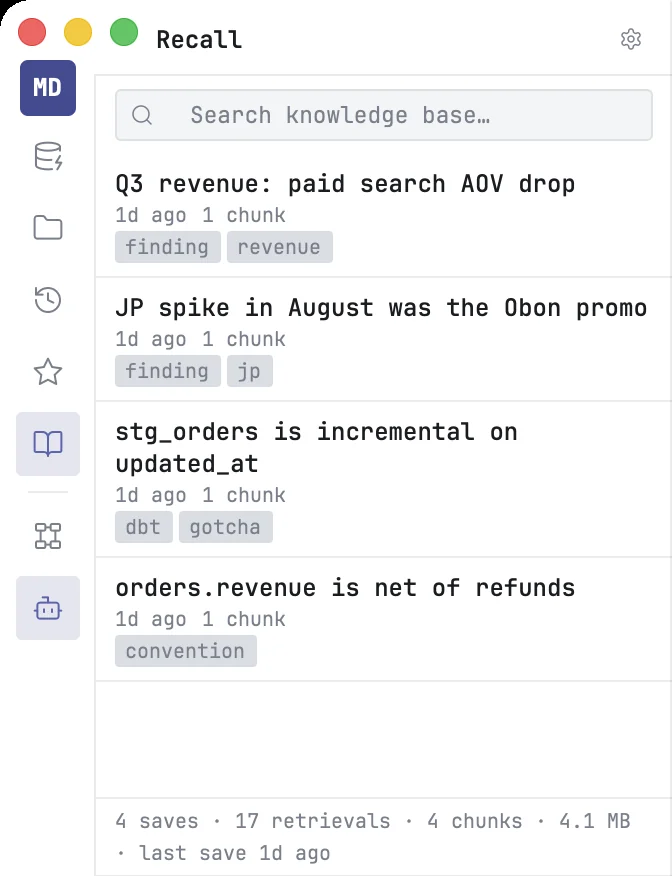
How notes get in
Notes are written by agents, not typed in by hand. An agent in the mxds terminal saves one with the mxds command, and an agent connected through MCP uses the recall_save tool:
mxds recall save "orders.revenue is net of refunds" \
  "The revenue column already subtracts refunds." --tag convention
You can ask for it in plain words — "save what we learned to Recall" — and the agent writes the note. Saving a note with a title that already exists replaces it.
How agents find them
Before it explores a schema or writes SQL, an agent searches Recall:
mxds recall search "why did paid search revenue drop"
The search understands meaning, not only exact words, so "refunds in revenue" finds the note about orders.revenue even though the words differ. Notes can be filtered by tag and date.
The Recall panel
Open it from the rail or with ⌘⇧K.
- Search — type to search the project's notes.
- The list — the most recent notes, each with its date and tags. Click one to read it in a tab.
- Delete — right-click a note.
The Schema panel also shows the notes that mention the table you are looking at.
Where it lives
Each project has its own Recall, stored in the project folder at .mxds/recall.db. Search runs on an embedding model on your Mac. It is downloaded once, when you click Download model in the Recall panel (about 2 GB); until then agents cannot save or search. Nothing is sent to a server.